Document Editor

The professional tool for document-management. Compatible with all formats, secure for sensitive data, and seamlessly scalable under any load.

Windows
macOS
Linux
In Browser
Compatibility

Full compatibility with any document format

Open, edit, and save documents while preserving original structure and style.

View large documents without lag.

Convert between formats with zero layout distortion.
.doc
.docx
.dotx
.pdf
.pdf/a
.rtf
.txt
.odt
.ott
.html
.epub
.fb2
.xps
.xml
.djvu
Cross-platform

Cross-platform without compromise

1
Consistent UX in browser and on desktop

The interface, keyboard shortcuts, and interaction logic are identical across environments. Requires zero retraining, and makes switching between devices seamless.

2
Flexible deployment

Deploy in the cloud, on-premises, or in an air-gapped environment. The editor adapts easily to any infrastructure and corporate security policies.


Tools

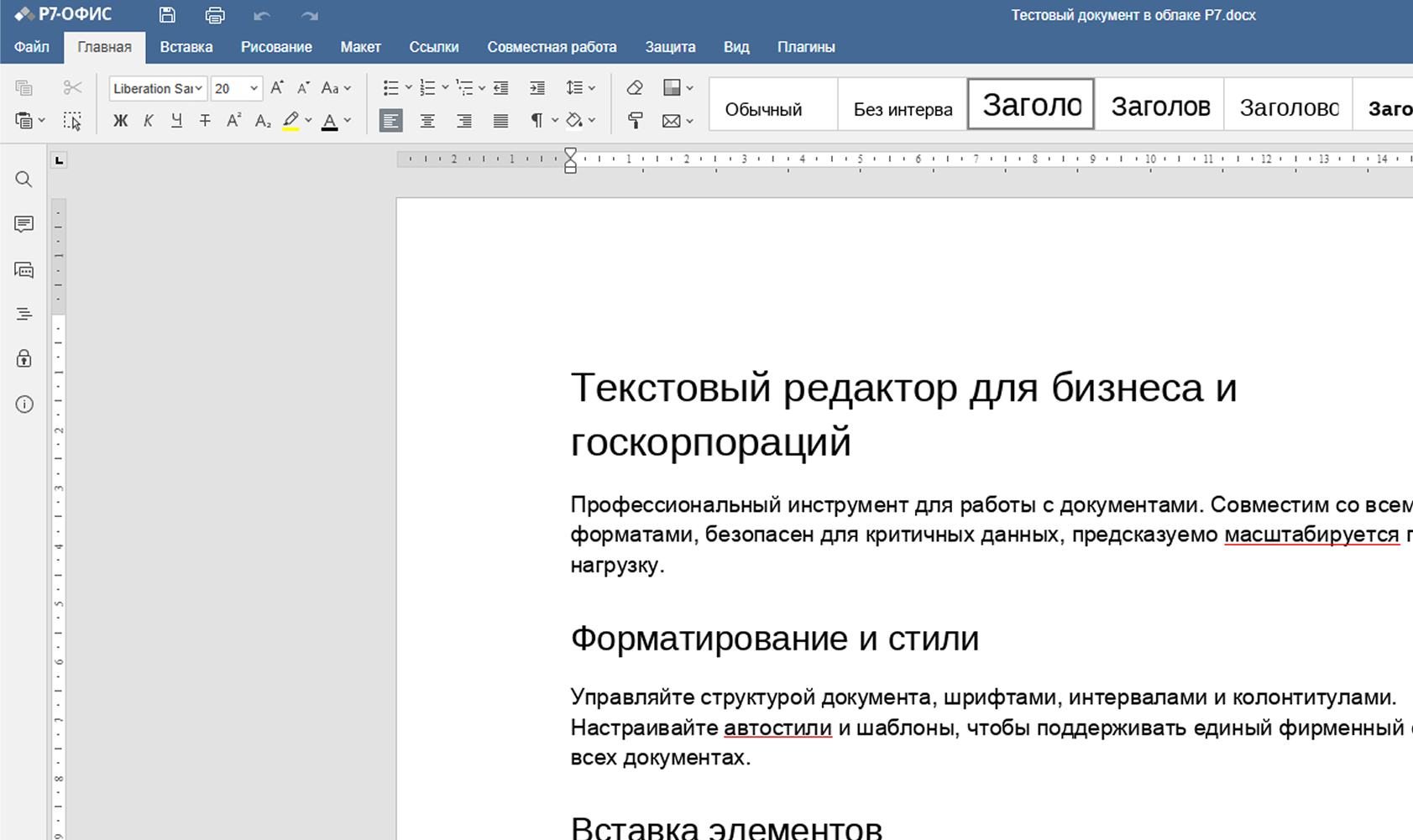
All the editing tools you’re used to

Collaboration

Collaboration
without version conflicts

Macros and plugins

Macro and plugin support

Eliminate routine work and speed up repetitive tasks.


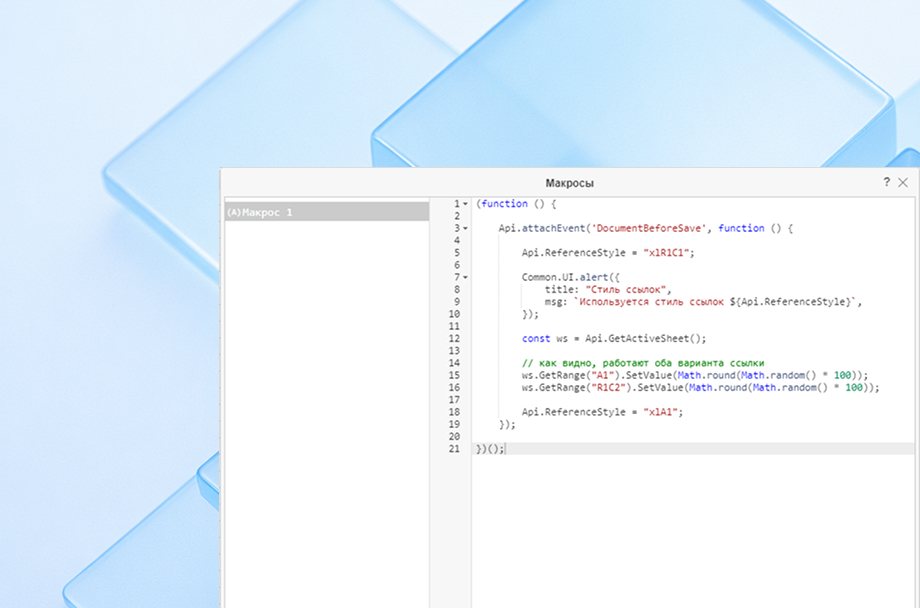
JavaScript macros

Automate any recurring task: inserting templates, processing text, working with objects. Full support for API calls and in-editor debugging included.


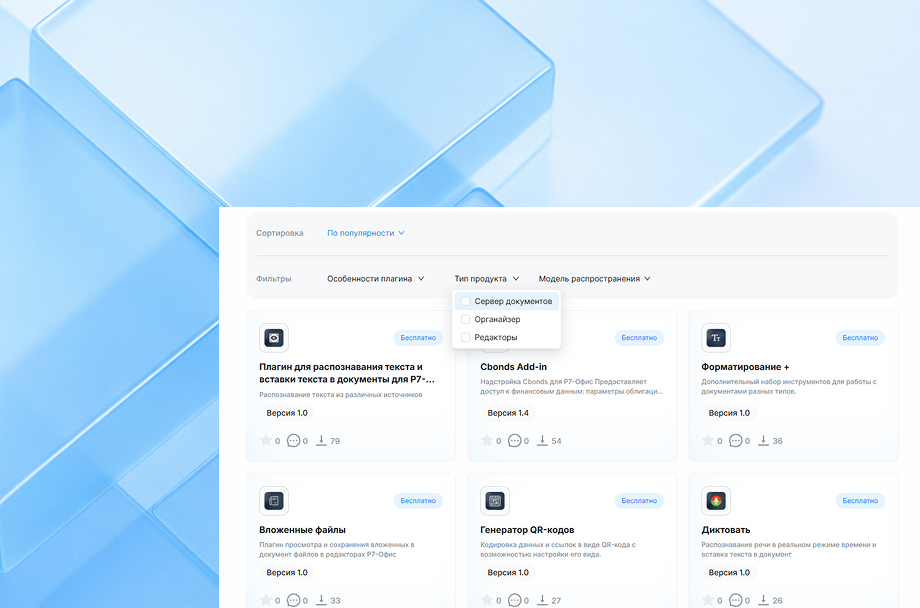
Ready-made plugins

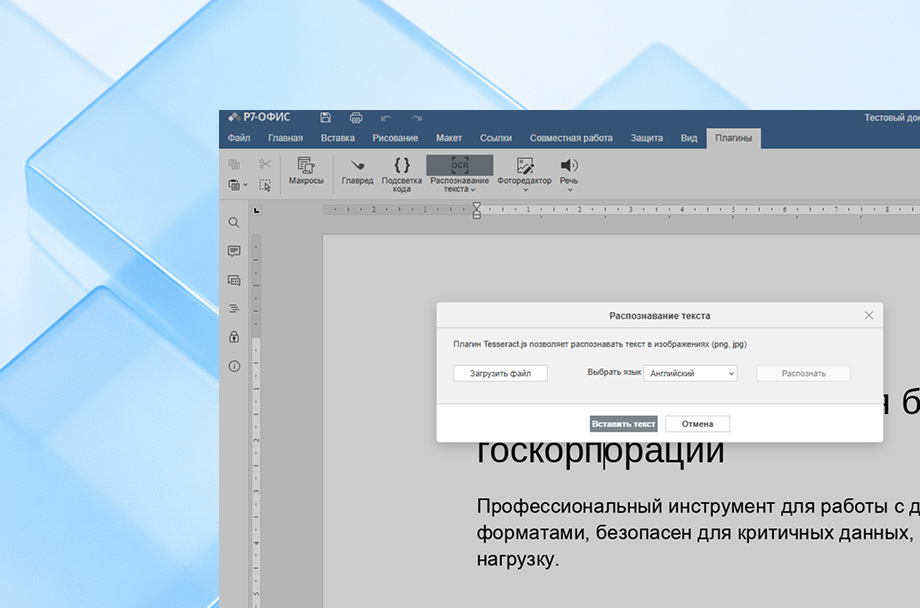
QR code generator, icon and emoji insertion, attachments, and more. The catalog is updated regularly with new solutions.


Custom extensions

Connect internal plugins tailored to your organization’s workflows for document preparation, style checking, or any other task.


JavaScript macros

Automate any recurring task: inserting templates, processing text, working with objects. Full support for API calls and in-editor debugging included.


Ready-made plugins

QR code generator, icon and emoji insertion, attachments, and more. The catalog is updated regularly with new solutions.


Custom extensions

Connect internal plugins tailored to your organization’s workflows for document preparation, style checking, or any other task.


Try it free in the cloud


Full-featured free trial with no functionality restrictions. Test the Spreadsheet Editor’s speed, stability, and compatibility on your real-world tasks: financial models, analytics, reports, or CRM exports.

Security

Enterprise-grade security

1
Ready for any regulatory requirement

Fully compliant with regulatory requirements and information security standards. The system has passed required audits and is ready for use in high-security environments.


2
Works in an air-gapped environment

Deployed on your servers so data stays within your infrastructure and under full organizational control.


3
Provides centralized access control

All roles, permissions, and security policies are managed from a single panel. This ensures transparency, predictability, and complete control over user actions.


4
Built in Russia

Developed by a domestic team, listed in the Unified Register of Russian Software, and officially recommended for organizations with elevated security requirements.


Performance and architecture

Performance and architecture for working with large documents

1
Optimized processing

The editor handles large files, lengthy documents, and heavily formatted content with consistent stability.


2
Horizontal scaling

Servers can be added to the cluster as load increases with zero downtime or interruption to users.


3
Enterprise-grade deployment

Supports thousands of simultaneous connections and delivers predictable performance across any environment.


R7 Ecosystem

Part of the unified R7 ecosystem

The Document Editor integrates with Drive, Corporate Server, mail, teams, and other R7 products with single sign-on, shared access policies, and seamless transitions between documents and communication.


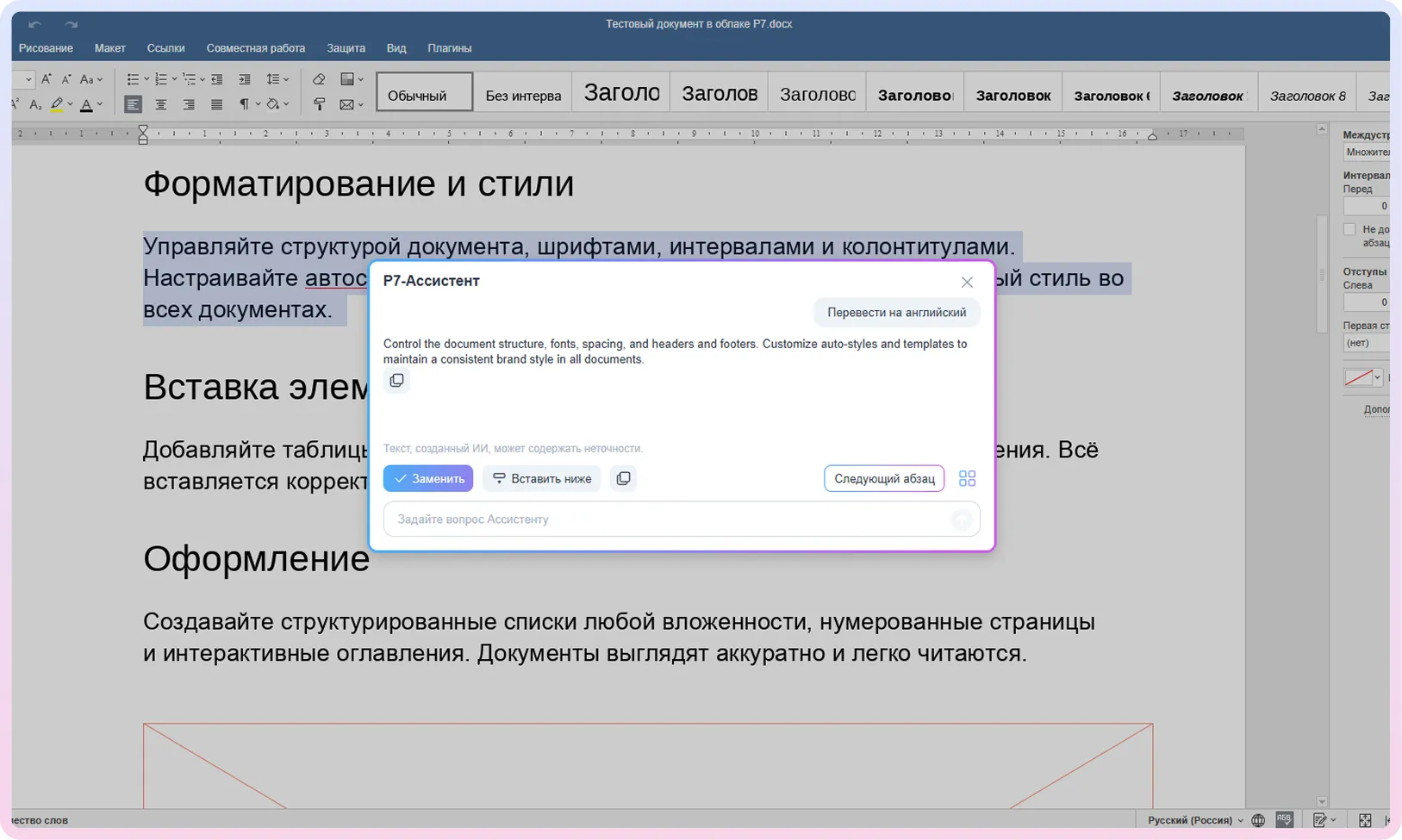
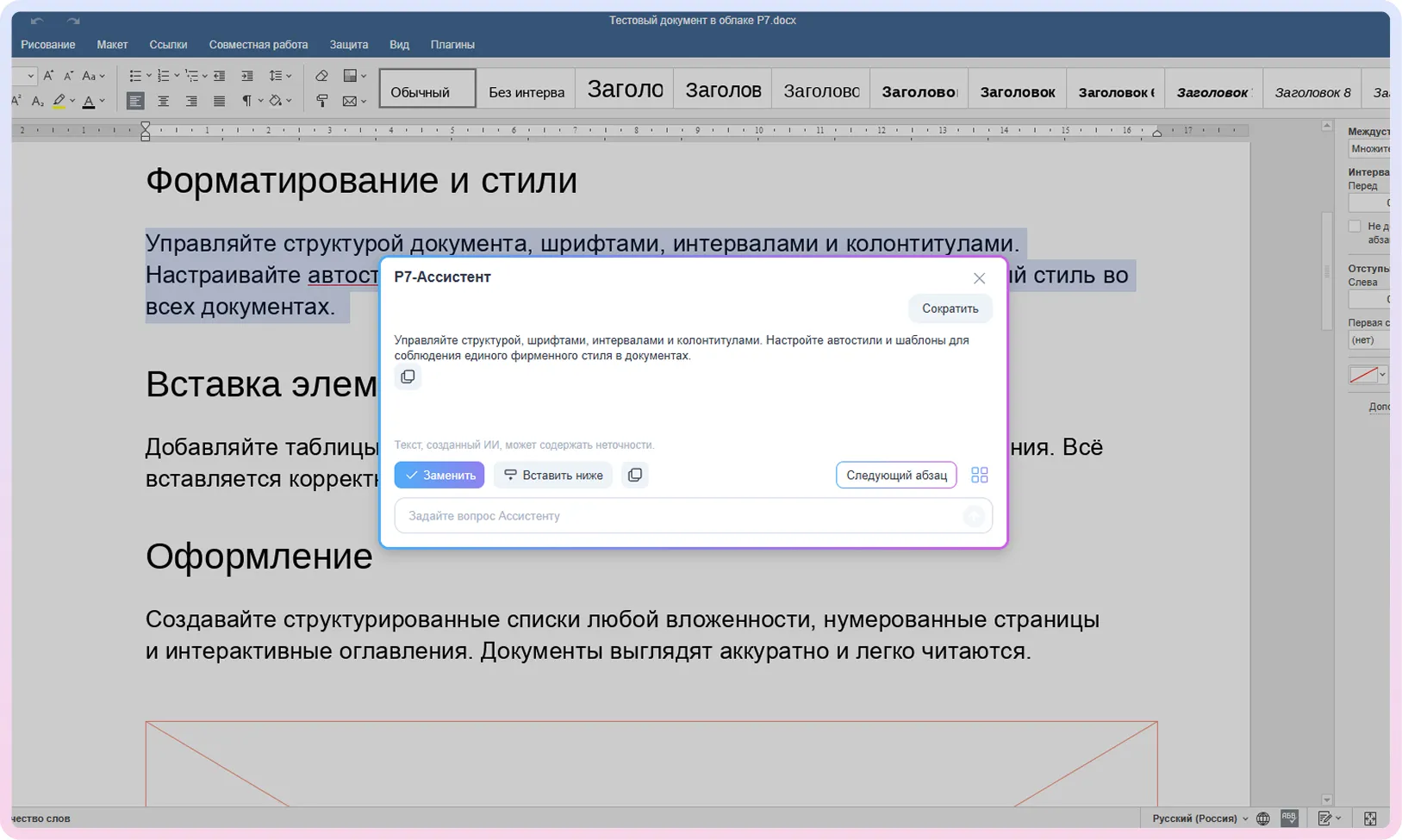
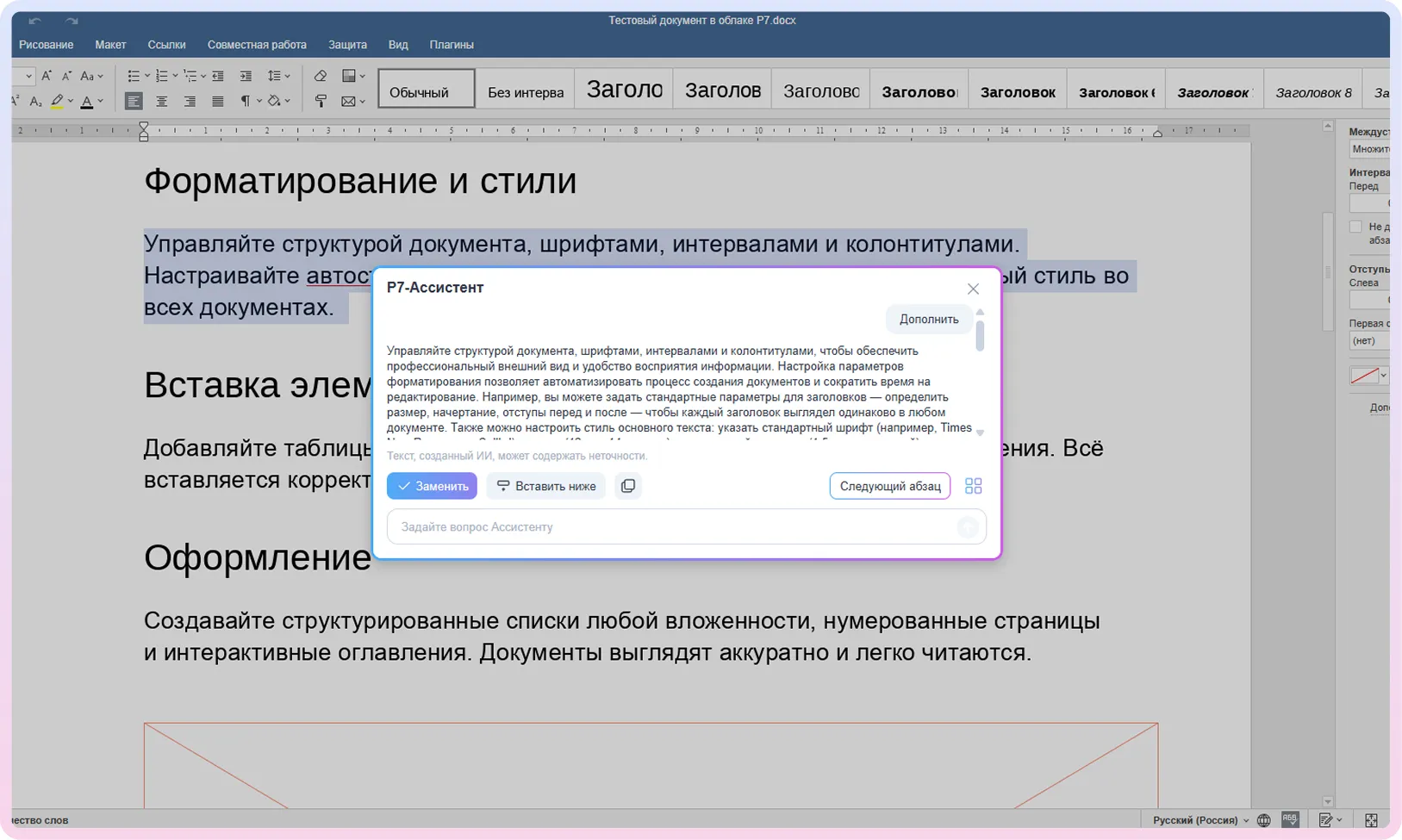
AI Assistant

AI Assistant —
right inside your document

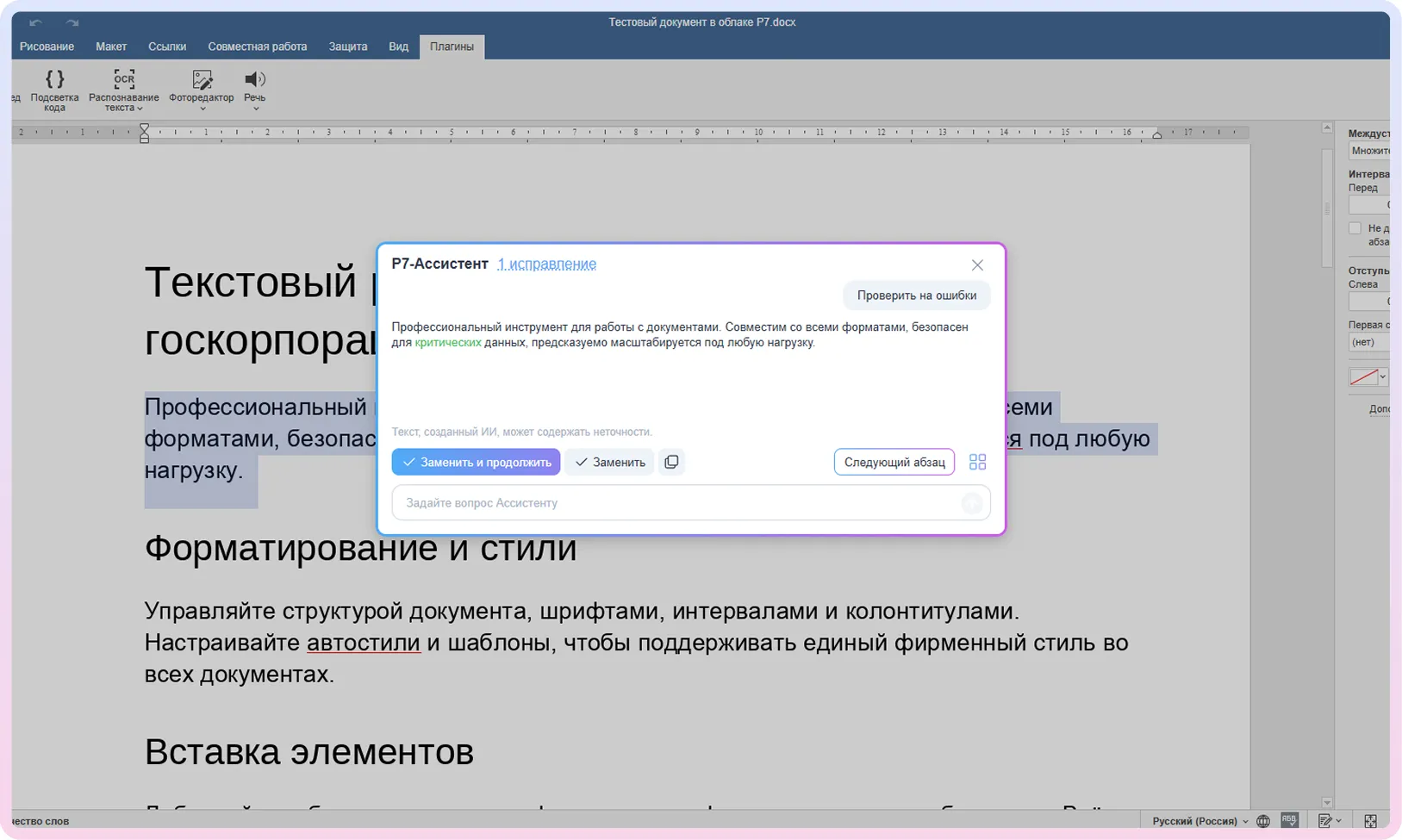
Text review

for spelling, punctuation, and style.

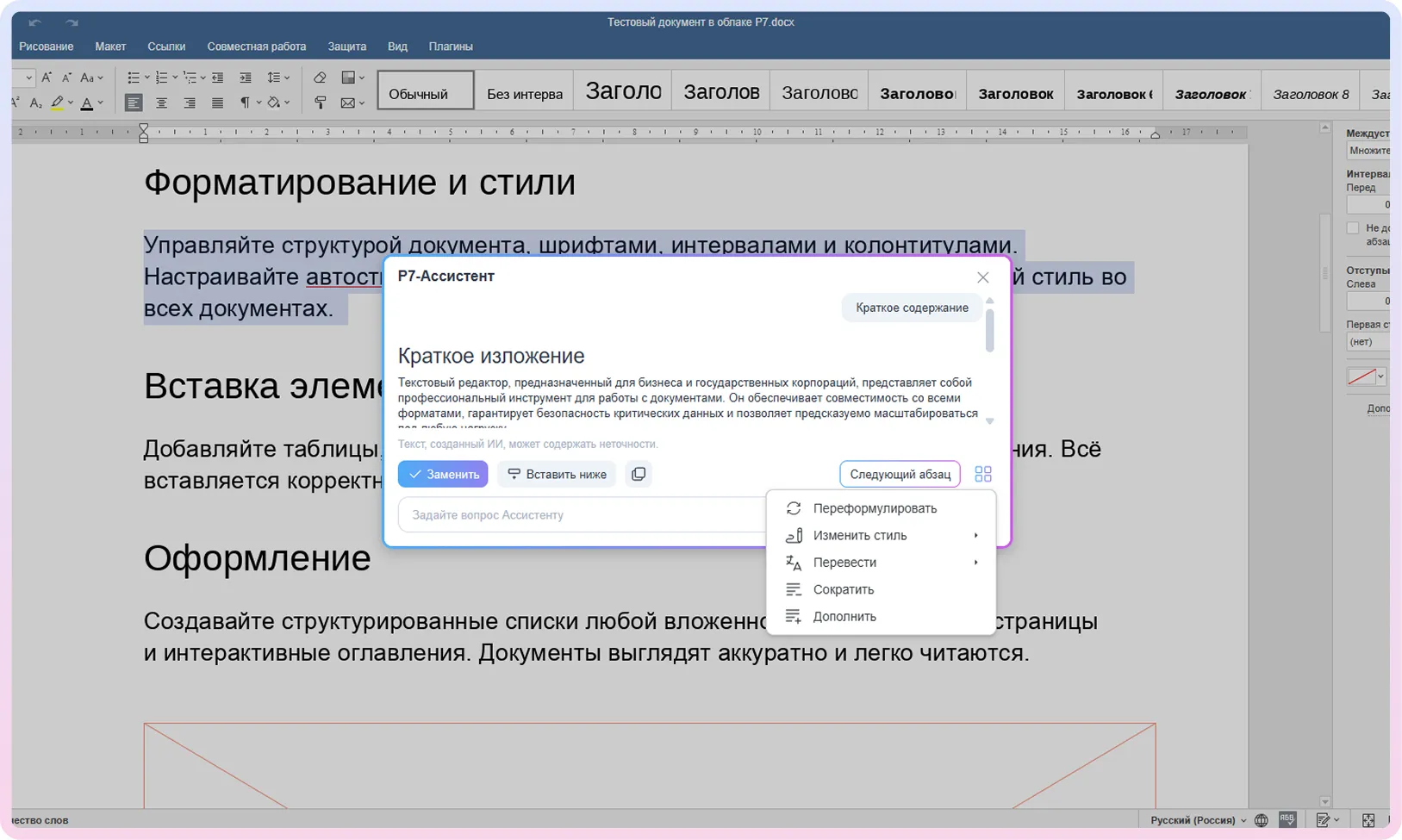
Summarization

turns a lengthy document into a concise summary.

Translation

into any language, preserving structure and context.

Knowledge search

across corporate data and the internet, with no risk of data leaks.

Content generation

creates texts, instructions, and project plans.

Partners

Proven at scale
in production environments

R7 Office is already deployed within the software ecosystems of major Russian corporations and partner infrastructures, handling high traffic volumes and millions of active users every day.



Get in touch

Request a Consultation and Demo

We’ll help you find the right Spreadsheet Editor configuration for your organization’s needs and IT security requirements. You’ll be able to explore collaborative editing, formulas, what-if scenarios, data visualization, and automation using your own real data.
Request a Callback

You’ll get a hands-on look at formatting, document comparison, automation, and spell-check features applied to real-world business scenarios.

By clicking “Submit”, you accept our Terms of Use and Privacy Policy. You confirm your consent to personal data processing.
FAQ

Frequently Asked Questions