Submit your request, and our specialists will contact you shortly.
You can review the methodology and training program for "Corporate Server 2024" via the link
We regularly update our product and share the news. Subscribe to our newsletter to stay up to date with the latest developments in the R7 Office environment.

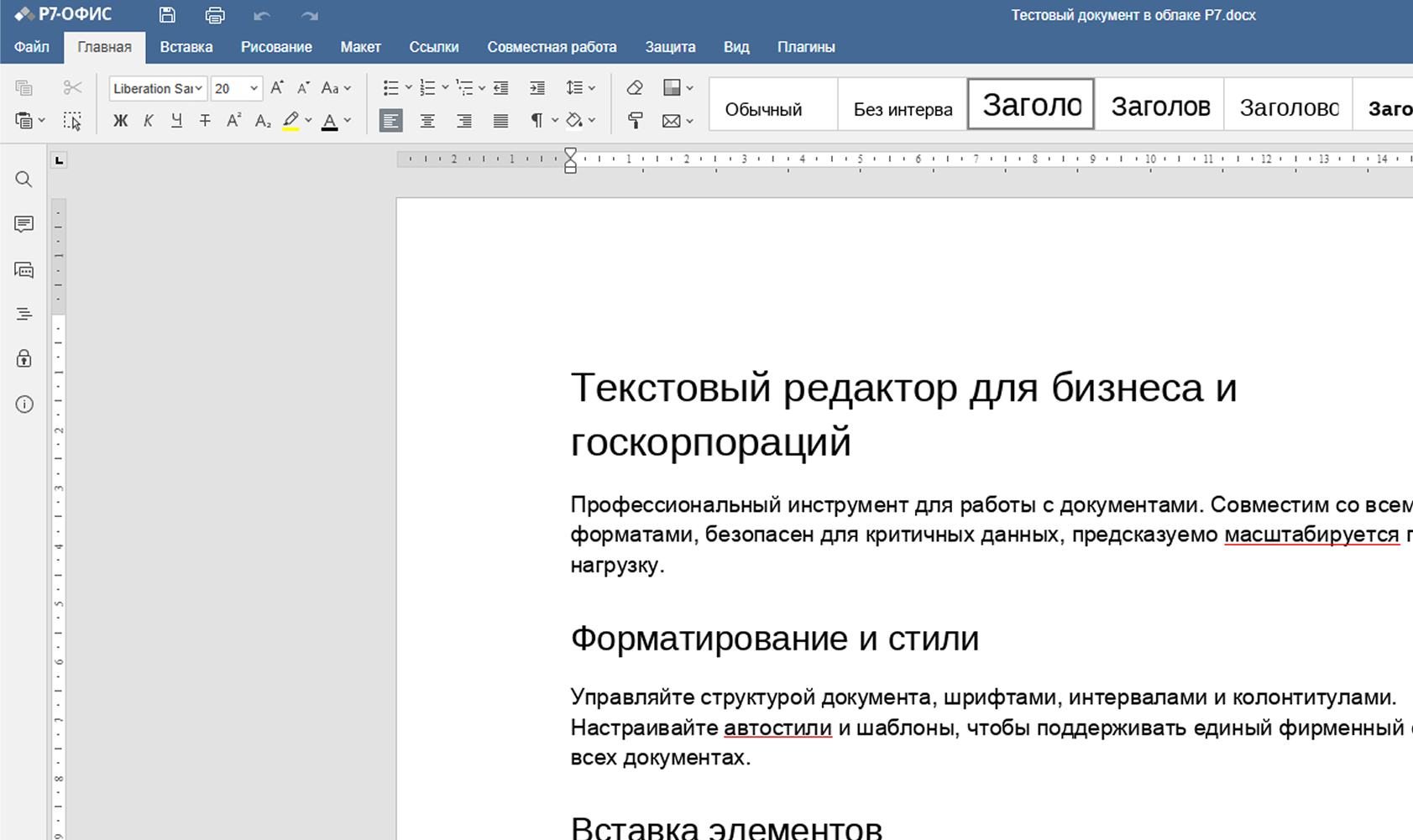
Document, Spreadsheet, and Presentation Editors handle the daily workload of faculty and departments: lecture materials, syllabi, reports, assignments, and exam materials.
Support for formatting articles, abstracts, research reports, and grant documentation. Manage large datasets and perform complex analyses without structural limitations.
Preparation of orders, memos, reports, plans, and internal regulations within a unified system with managed access control.
Email, co-editing, and centralized document storage enable coordination across departments, dean's offices, and administrative units.
Prepare lecture and methodological materials, syllabi, official documentation, and academic assignments. Organize review and feedback on coursework, theses, and research papers.

Calculate teaching loads, build academic plans, and track student performance analytics.
Supports formulas, filtering, charts, and data grouping.

Create lecture and presentation materials with audio, video, animations, and hyperlinks.
Suitable for in-person and remote learning formats.

Condenses or expands text, rephrases complex passages, and drafts reports or abstracts.
Accelerates content preparation without compromising academic style.
Prepare coursework, thesis, and research papers in compliance with formatting requirements.
Students build skills in working with academic documents.
The Spreadsheet Editor is used for calculations, analysis, and chart creation.
Develops digital skills in demand in the job market.
Create materials for project defenses and departmental presentations.
Supports multimedia and structured navigation.
Multiple students can edit documents simultaneously.
The instructor always sees the current version without file exchanges.
Students can work with macros and extensions, and create their own templates and plugins to automate tasks.
Work continues from any device while maintaining a unified data structure — essential for distributed learning and internships.


Document Editor, Spreadsheet Editor, and Presentation Editor cover the daily needs of faculty, departments, and administrative units.
Supports popular formats while preserving formatting:
DOC/DOCX, XLS/XLSX, PPT/PPTX, ODT/ODS/ODP, PDF/PDF-A, CSV, XML, DOT, HTML, TXT, EPUB, JPG, PNG
Supports Russian and international operating systems, enabling deployment within existing infrastructure without hardware replacement or additional user training.
Astra Linux, RED OS, ROSA, ALT Linux, Windows, macOS, Linux, Ubuntu, Debian, CentOS, Android and iOS
Learning materials, methodological documents, and reports are stored in a unified space.
All changes are tracked, allowing users to restore earlier versions and prevent data loss.
Permissions for faculty, staff, and students are managed centrally from a single dashboard.
Operation logs allow administrators to review user activity and resolve disputes.
Data stays within the university's infrastructure — on-premises or in a private cloud.
Deployment guides, updates, and consultations are provided for IT teams and faculty.
R7 Office enables a resilient IT infrastructure, independent of foreign vendors and free from compliance risks during accreditation and audits.

Establishing academic labs at the university using R7 solutions.
Faculty training and deployment assistance.
Developing educational programs and elective modules.
R7 specialists serving as experts and academic consultants.
Assistance with incorporating R7 solutions into educational standards and course offerings.



Regular sessions demonstrating R7 Office features and answering questions.

Short guides on working with editors, templates, and settings.
News, updates, and practical tips for using the platform.
We'll help you learn how to use R7 products so you can get the most out of our solutions.
Standalone operation without a constant internet connection.
Collaborative work within the university's network.
Drive
Administration
Contacts
Projects
Messenger & Video Calls
Online Editors Extended module set. Available as a paid option for all institutions.
Drive
Administration
Contacts
Projects
Online Editors
Graphics
Messenger & Video Calls
Pages
Forms 
Yes. R7 Office is listed in the Unified Register of Russian Software and is compliant with Federal State Educational Standards (FSES). This makes it suitable for preparing documentation for state accreditation of educational programs, licensing inspections, and internal quality control.
GOST-compliant document formatting makes it easier to prepare academic plans, course programs, educational and methodological materials, and reporting documents.
Yes. Document Editor supports complex document structures and full compatibility with OOXML, ODF, and other standard formats. This allows students and researchers to prepare theses and academic publications and exchange files with journals and partners while preserving formatting.
Supported file formats: DOC/DOCX, XLS/XLSX, PPT/PPTX, ODT/ODS/ODP, PDF/PDF-A, CSV, XML, DOT, HTML, TXT, EPUB, JPG, PNG
Several deployment scenarios are available: installing the desktop version on faculty and staff workstations, or deploying a server solution within the university's infrastructure with centralized user management.
The package includes installation guides and methodological materials for IT teams and relevant departments.
Yes. Preferential licensing terms apply to all universities and vocational education institutions — a 90% discount on the selected licenses.
This website uses cookies to improve site performance, analyze traffic, and personalize content.
Technical cookies required for the website to function. These cannot be disabled.
Help us understand how you use the website so we can improve it.
Used to display relevant ads and measure campaign effectiveness.