Submit your request, and our specialists will contact you shortly.
Submit your request, and our specialists will contact you shortly.
Submit your request, and our specialists will contact you shortly.
Submit your request, and our specialists will contact you shortly.
Submit your request, and our specialists will contact you shortly.
You can review the methodology and training program for "Corporate Server 2024" via the link
We regularly update our product and share the news. Subscribe to our newsletter to stay up to date with the latest developments in the R7 Office environment.
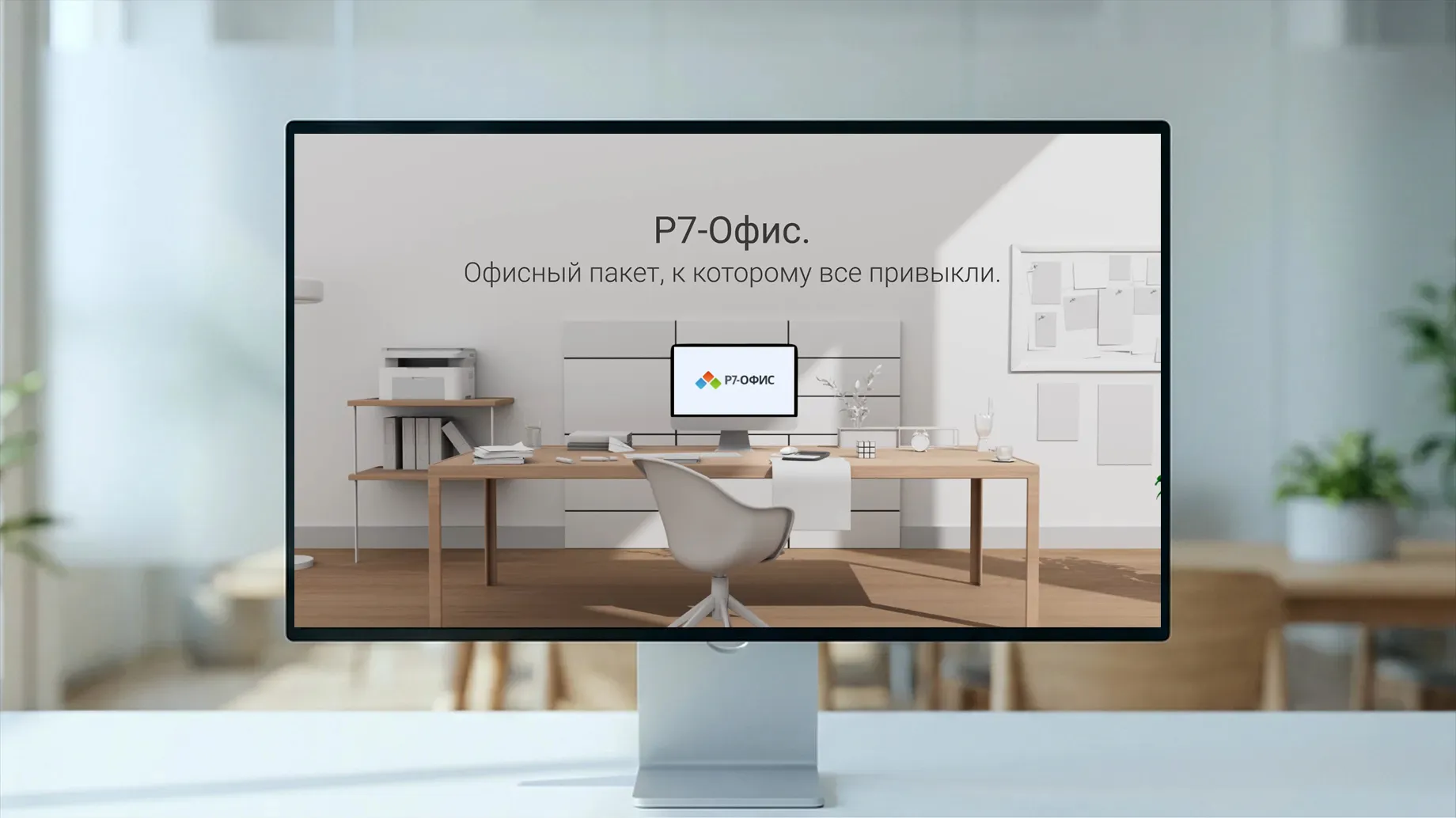
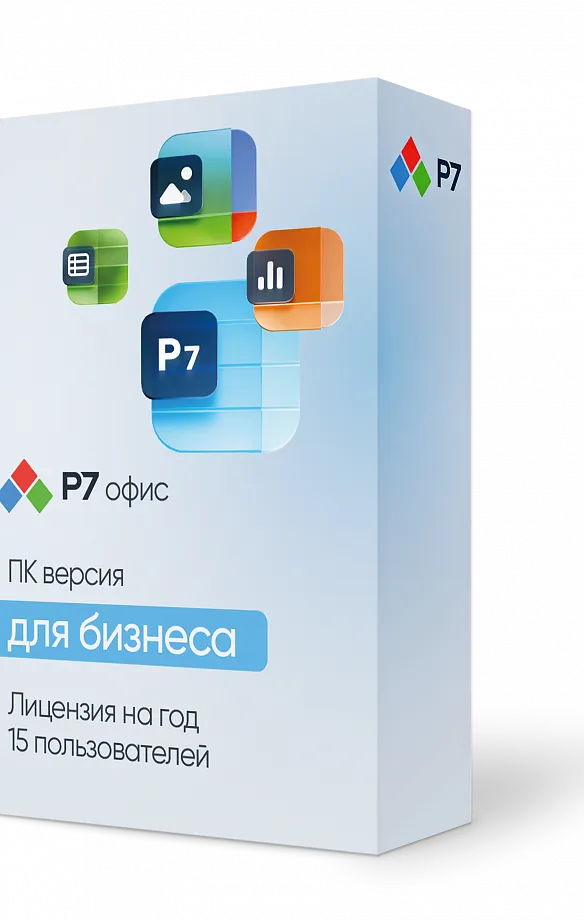
Documents, spreadsheets, and presentations in familiar formats, on any device. Work locally or in the browser — no dependency on foreign services.

Full-featured free trial with no functionality restrictions. Test the Spreadsheet Editor’s speed, stability, and compatibility on your real-world tasks: financial models, analytics, reports, or CRM exports.
For text documents
For spreadsheets

For presentations and slideshows

For text documents
For spreadsheets
For presentations and slideshows
Secure personal storage









With a consistent interface across all platforms, users get up to speed with the home-grown office suite — no special training required.
A full set of the most essential tools for everyday office tasks
A consistent interface across all platforms and products means you can start working right away
A complete library of resources for anyone who wants to master spreadsheets and presentations
 Document Editor
  Spreadsheet Editor
  Presentation Editor
  Organizer
  Media Player
  Document Editor
Spreadsheet Editor
Presentation Editor
Document Editor
Spreadsheet Editor
Presentation Editor  Gallery
Organizer
Media Player
Gallery
Organizer
Media Player  Document Editor
Spreadsheet Editor
Presentation Editor
Gallery
Organizer
Media Player
Document Editor
Spreadsheet Editor
Presentation Editor
Gallery
Organizer
Media Player  Drive
Drive  Mail Basic
  Contacts
  Calendar
  Messenger & Video Calls
  Document Editor
Spreadsheet Editor
Presentation Editor
Media Player
Gallery
Organizer
Document Editor
Spreadsheet Editor
Presentation Editor
Media Player
Gallery
Organizer Get access to key collaboration tools in a single window: email, chats, meetings, documents, and projects, with no switching between apps and no multiple subscriptions
Download the R7 Office installer from the official website at https://r7-office.ru/download-personal and install it on your computer.
Go to www.lic-r7.ru and enter your email address. A one-time password to sign in to your account will be sent to that address.
Once signed in, enter the activation code you received by email at the time of purchase into the “Enter activation code” field.
Download the license file to your device, then launch R7 Office and select “About the program.”
Windows
Download the license file to your device, then launch R7 Office and select "About."
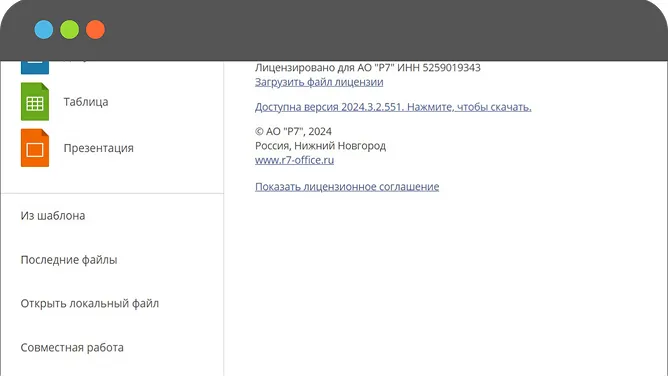
In the “Upload license file” field, specify the path to the license file you downloaded and upload it. Your license is now activated.





This website uses cookies to improve site performance, analyze traffic, and personalize content.
Technical cookies required for the website to function. These cannot be disabled.
Help us understand how you use the website so we can improve it.
Used to display relevant ads and measure campaign effectiveness.