Submit your request, and our specialists will contact you shortly.
Submit your request, and our specialists will contact you shortly.
Submit your request, and our specialists will contact you shortly.
Submit your request, and our specialists will contact you shortly.
Submit your request, and our specialists will contact you shortly.
You can review the methodology and training program for "Corporate Server 2024" via the link
We regularly update our product and share the news. Subscribe to our newsletter to stay up to date with the latest developments in the R7 Office environment.

A familiar interface, full compatibility with Office formats, and reliable performance on any device.
 Windows
  macOS
macOS  Linux
Linux Works correctly with popular formats — DOCX, DOC, ODT, PDF, RTF, and TXT. Layout, styles, and formatting stay intact, even for large documents or complex designs.
The editor runs light and handles heavy files without slowdowns. Works great on office PCs and home laptops, including older ones.
No need to find a different editor for each system. The interface, keyboard shortcuts, and workflow are identical everywhere — switch between computers with ease.
The editor requires no monthly subscription and has no dependency on foreign services. Work entirely offline — all files stay on your device. Or use the R7 cloud if you prefer working in a browser.
Adjust fonts, spacing, and alignment — everything you need for a clean, polished document.
Apply ready-made styles to keep your document looking consistent and professional.
Create bulleted and numbered lists, add nested items, and build a clear, logical structure.
Insert data, images, and graphs — the editor places everything neatly where it belongs.
Add formulas, diagrams, and shapes for academic and professional materials.
Automatically generate a table of contents based on document structure — no manual updates needed.
The editor highlights errors and suggests corrections.
Compare two versions side by side and see exactly what changed.
Save your document as a PDF in one click — ready to send or print.
Add ready-made extensions or keep things simple with automation:
R7 Office supports extensions: OCR for scanned documents, QR code generation, icon insertion, mind map creation, and other handy tools.
These add-ons speed up your workflow and help you produce polished documents without workarounds or third-party services.
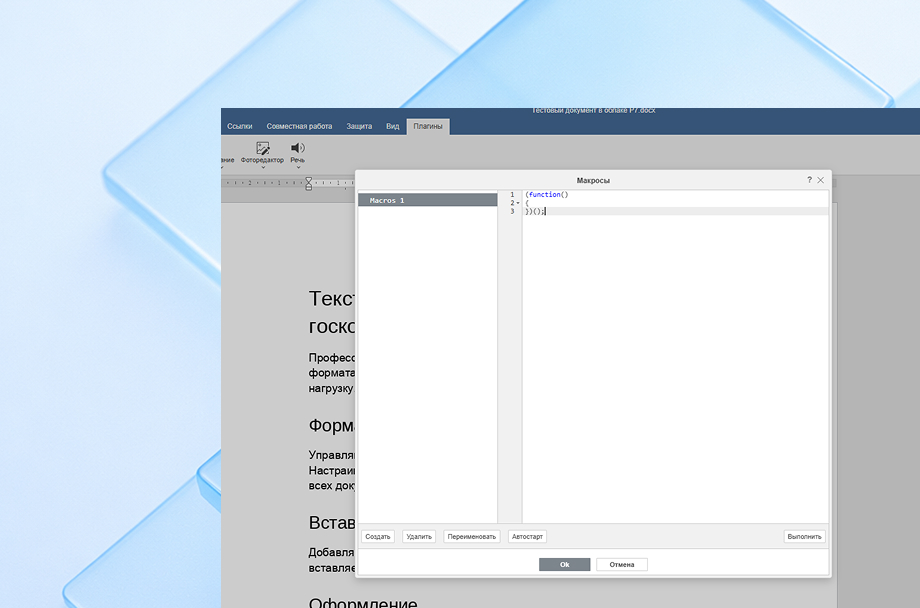
Macros let you build templates, apply consistent formatting, insert recurring elements, and run routine operations automatically.
Perfect for anyone who wants to spend less time on repetitive tasks and more time on the actual work.
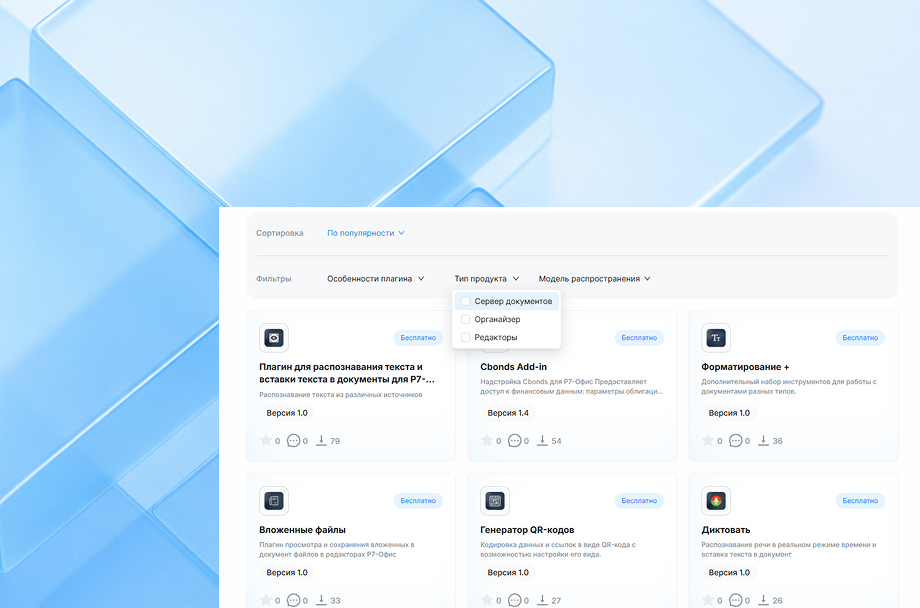
R7 Office supports extensions: OCR for scanned documents, QR code generation, icon insertion, mind map creation, and other handy tools.
These add-ons speed up your workflow and help you produce polished documents without workarounds or third-party services.
Macros let you build templates, apply consistent formatting, insert recurring elements, and run routine operations automatically.
Perfect for anyone who wants to spend less time on repetitive tasks and more time on the actual work.
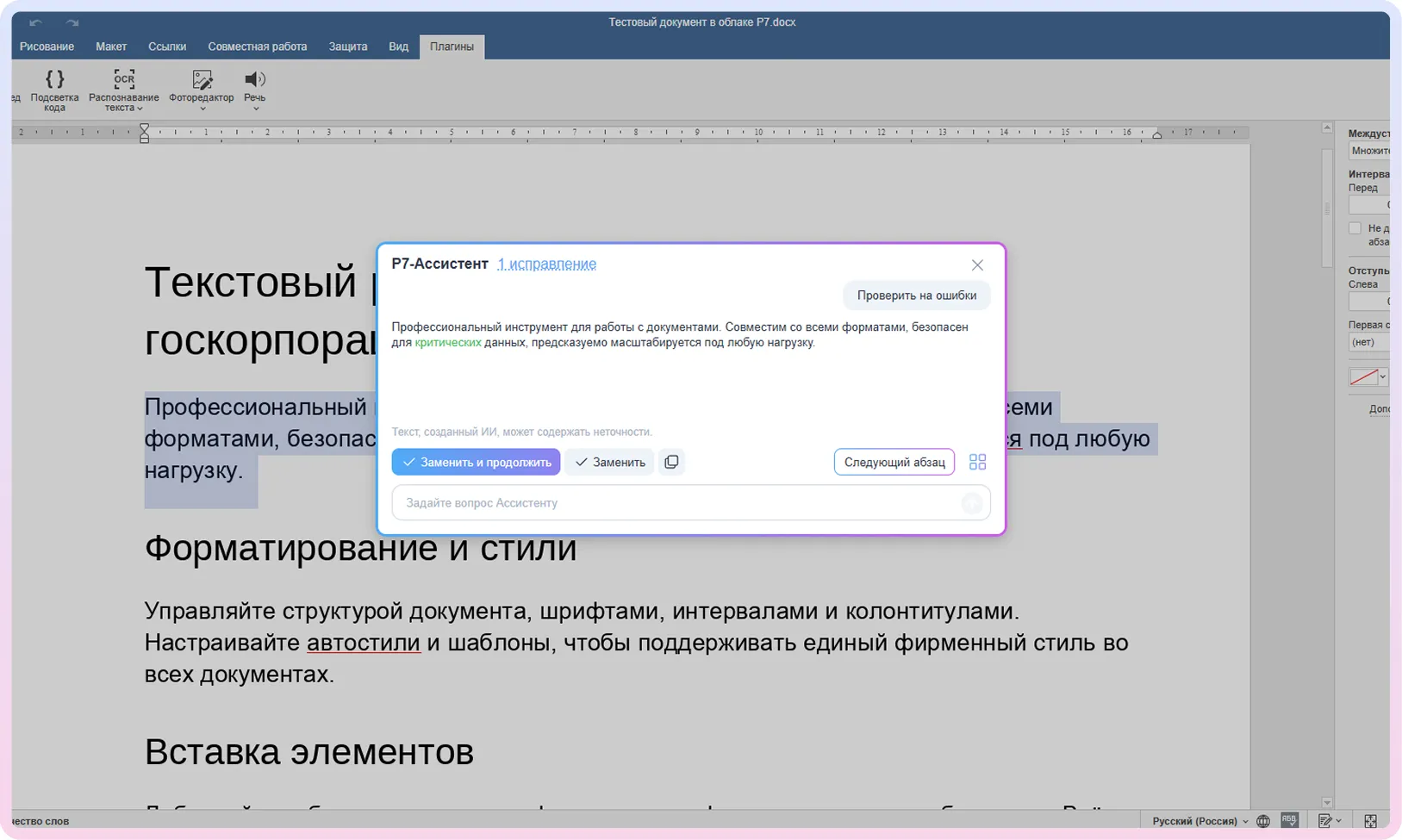
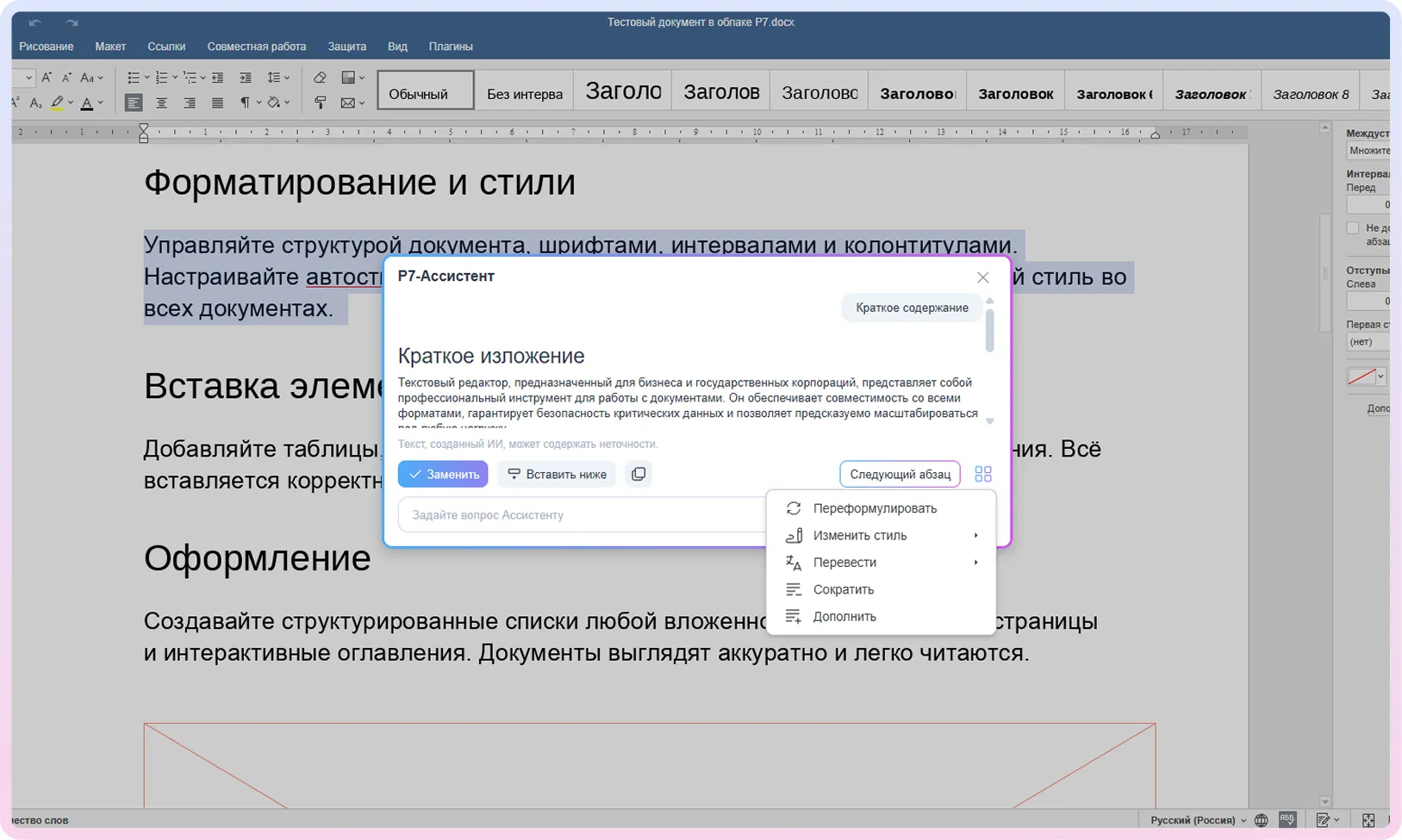
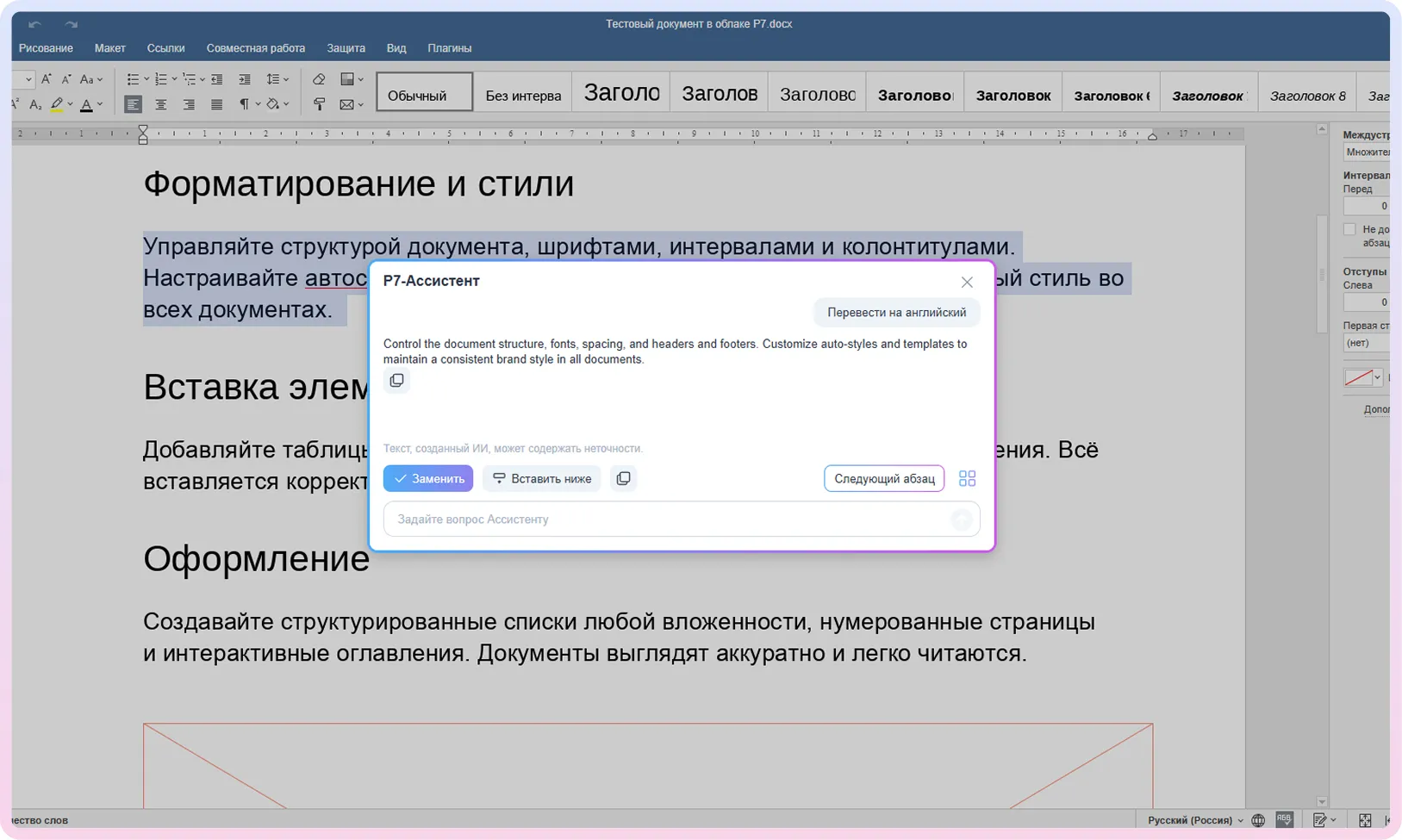
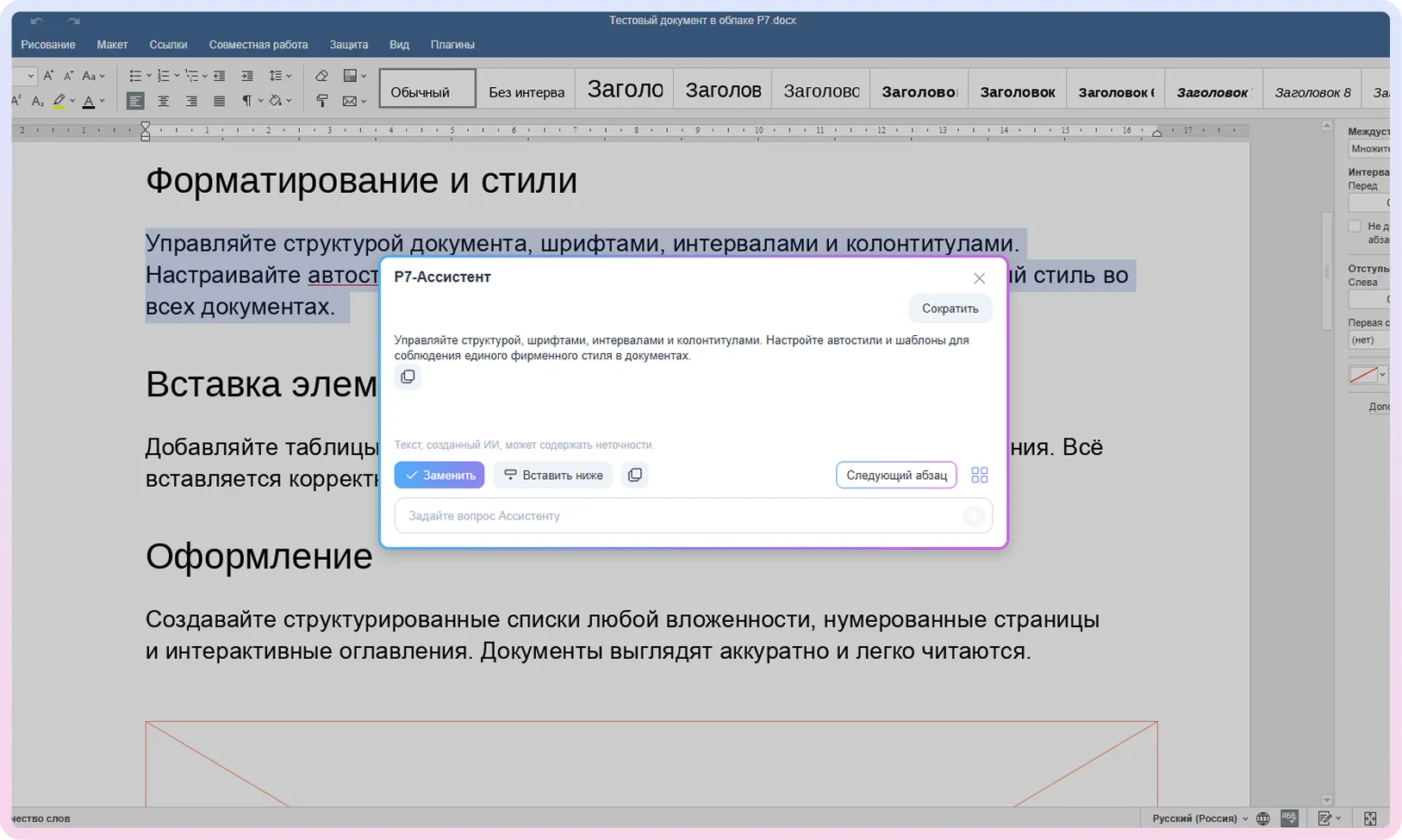
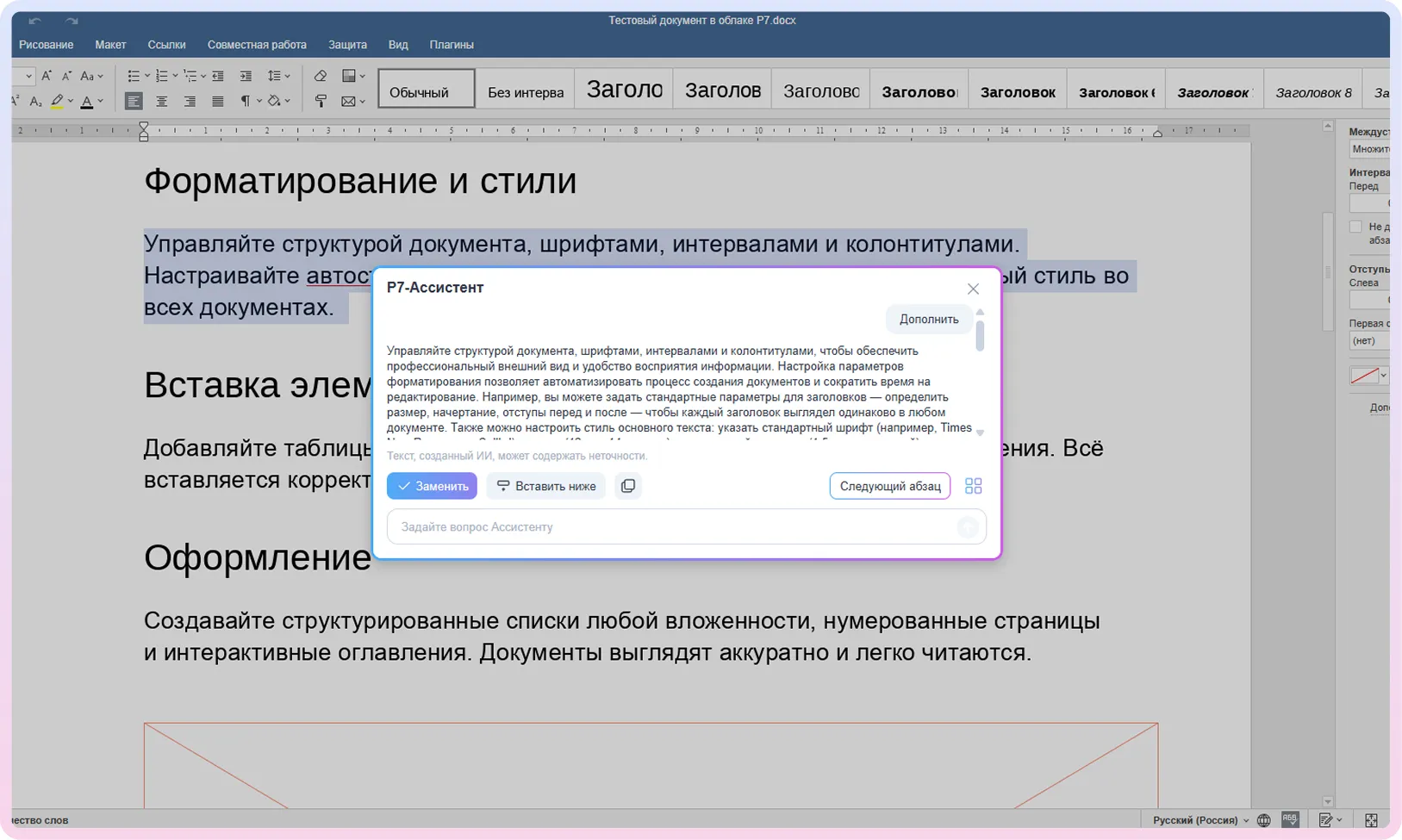
across your documents and the web.
of text, instructions, and outlines.
for spelling, punctuation, and style.
turns a lengthy document into a concise summary.
into any language while preserving structure and context.
30 days of full access to all features. After that, a license is required.
The app is available for all major operating systems: Windows, macOS, Linux Debian, Ubuntu, CentOS, Astra Linux, RED OS, ROSA, ALT Linux, Linux
Runs directly in your browser — no installation or setup needed. The first 5 GB are free, with the option to purchase more storage as needed.
All R7 Office editors in one convenient app. Work with documents, spreadsheets, and presentations on any device — at home, on the go, or at school. Files sync automatically and are always at hand.



In terms of features, very little: you can format text, insert images, tables, and charts, create tables of contents, and export to PDF.
The key difference is that R7 Office isn’t tied to foreign services. It’s a Russian editor listed in the Unified Register of Russian Software that runs on any platform — Windows, macOS, Linux, and more. It has no dependency on foreign infrastructure and won’t disappear due to sanctions.
If you’re used to Word, switching will be easy: the menu layout and the logic of how things work will feel familiar. No relearning required.
Yes. The app correctly opens DOCX, DOC, RTF, ODT, PDF, and other popular formats. Styles, layout, lists, and tables all render as intended — the document looks exactly as it should. You can edit and save in the same formats.
No. All documents can be opened and edited locally, without internet access.
A connection is only needed if you’re working with cloud storage or want to sync files across devices.
Yes. The editor runs smoothly even on low-spec machines: it launches quickly, handles large files without slowdowns, and keeps system load light. If a device can run a standard browser or basic applications, the editor will work just fine.
Yes. The app is available on the App Store, Google Play, RuStore, and for Aurora OS.
The mobile version lets you edit documents, spreadsheets, and presentations just as easily as on a desktop.
Other editors in the R7 family:
This website uses cookies to improve site performance, analyze traffic, and personalize content.
Technical cookies required for the website to function. These cannot be disabled.
Help us understand how you use the website so we can improve it.
Used to display relevant ads and measure campaign effectiveness.