Submit your request, and our specialists will contact you shortly.
Submit your request, and our specialists will contact you shortly.
Submit your request, and our specialists will contact you shortly.
Submit your request, and our specialists will contact you shortly.
Submit your request, and our specialists will contact you shortly.
You can review the methodology and training program for "Corporate Server 2024" via the link
We regularly update our product and share the news. Subscribe to our newsletter to stay up to date with the latest developments in the R7 Office environment.

Mobile App for Working with Documents
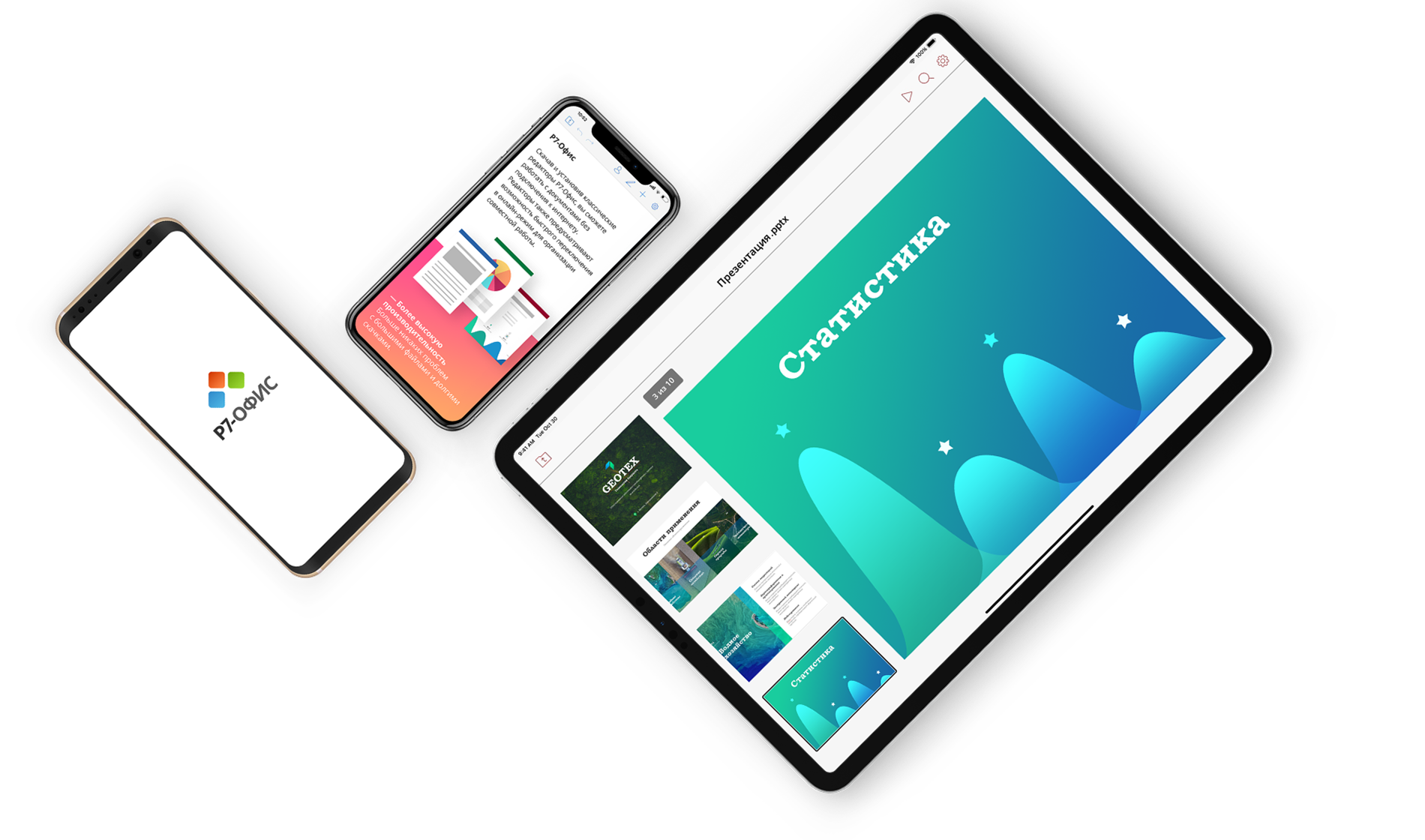
Work on your phone or tablet just as confidently as on your desktop. Text files, spreadsheets, and presentations — always with you, open instantly, and work offline.
A full set of tools for documents, spreadsheets, and presentations.
Open files without third-party apps.
Access all your corporate files in one tap.
Share documents for reading, editing, or review.
Collaborate with colleagues in real time — no need to send copies.
Work with colleagues in real time, with no need to send copies.
Documents are available without an internet connection; sync happens automatically when you reconnect.
Send documents to a printer without exporting.
Organize files your way: sorting, quick operations, and fast access to important documents.
The same experience on iOS, Android, and Aurora OS.

Styles, indents, headers and footers, document structure management.
Lists, tables, images, and auto-shapes — all the core elements are available.
Edit chart data, apply styles and color schemes.
Documents of any size open and scroll without delays.
Themes, layouts, backgrounds, slide order — all under your control.
Transitions, object motion, highlighting key elements.
Images, tables, shapes — all easy to edit.
Update data directly in the app with no exporting or extra steps.
Take your documents anywhere — on the road, to a meeting, or while working remotely. The app is available on all major platforms: install it from the official stores and work wherever you are.


Yes. The app works on its own: you can open, create, and edit files locally or in any cloud storage you have access to.
If your organization has an R7 Corporate Server, the app connects to your work environment automatically — giving you shared folders, co-editing, corporate policies, and full sync with all company documents.
Yes. The app opens DOCX, XLSX, and PPTX files accurately — no distortions, no formatting loss, no broken layouts. You can edit and save files in the same formats.
Multiple people can edit the same document at the same time. You see each other’s cursors and changes in real time, leave comments, and enable track changes mode when edits need to be reviewed and approved.
By default, files are stored in the R7 cloud — secure and accessible from any device. Only temporary copies of open documents are kept on your phone.
On iOS, you can work offline: changes are saved locally and synced to the cloud once you’re back online.
The mobile editors offer the same core feature set: editing documents, spreadsheets, and presentations, plus comments and collaboration.
The interface is optimized for smartphone screens — some advanced settings are tucked away — but it has everything you need to get work done on the go or at home.
This website uses cookies to improve site performance, analyze traffic, and personalize content.
Technical cookies required for the website to function. These cannot be disabled.
Help us understand how you use the website so we can improve it.
Used to display relevant ads and measure campaign effectiveness.