
Submit your request, and our specialists will contact you shortly.
Submit your request, and our specialists will contact you shortly.
Submit your request, and our specialists will contact you shortly.
You can review the methodology and training program for "Corporate Server 2024" via the link
We regularly update our product and share the news. Subscribe to our newsletter to stay up to date with the latest developments in the R7 Office environment.

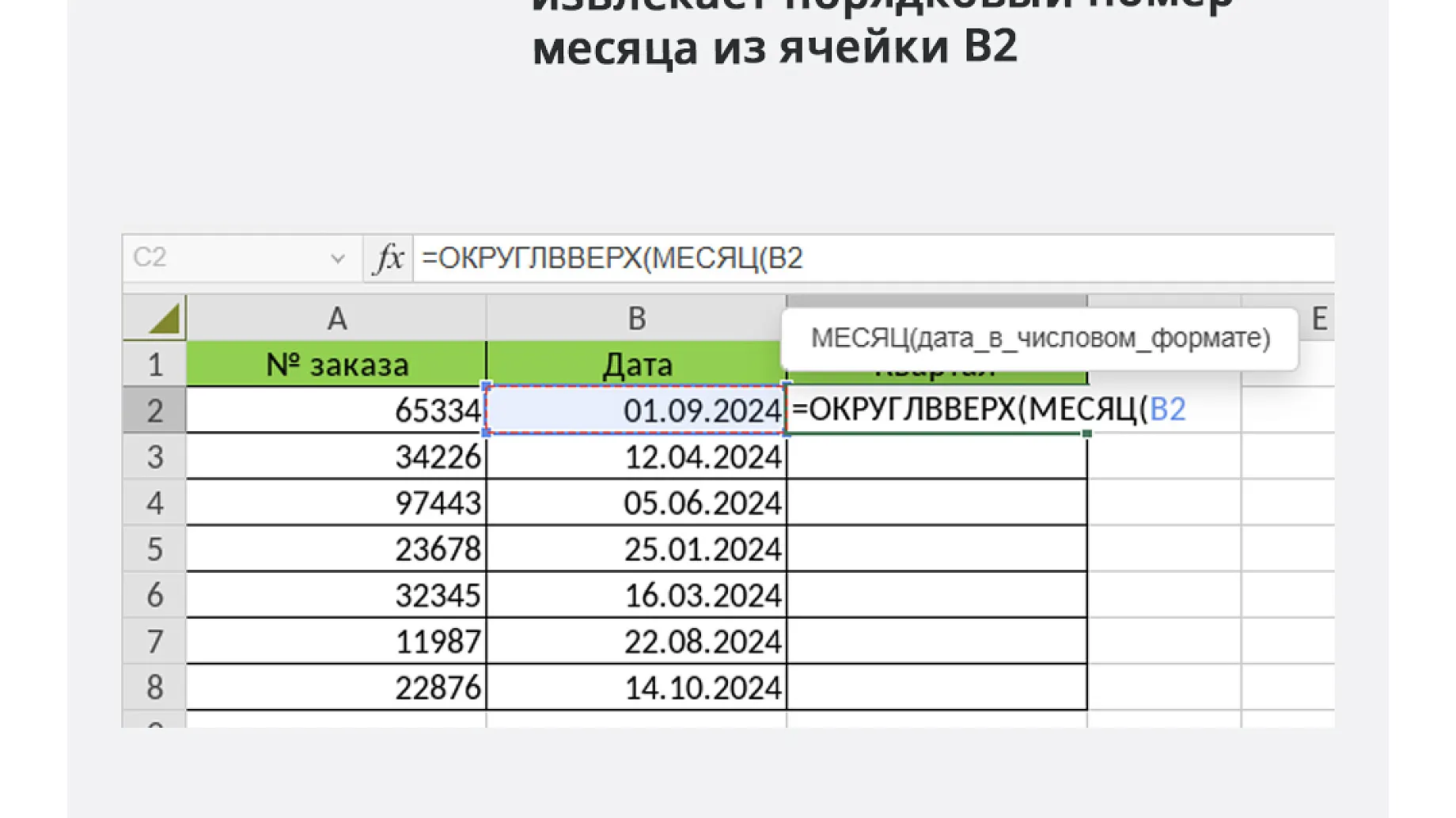
The latest update to the desktop editors, version 2026.1.2.1942, brings more than 50 improvements, most of them related to working with spreadsheets. There are four new features: GIF animation in presentations, column width adjustment in charts, and new options for pivot tables and Smart Tables.
The Spreadsheet Editor now lets you change column widths in charts. This is useful if you want to improve the readability and clarity of your data, control information density, or emphasize key data.
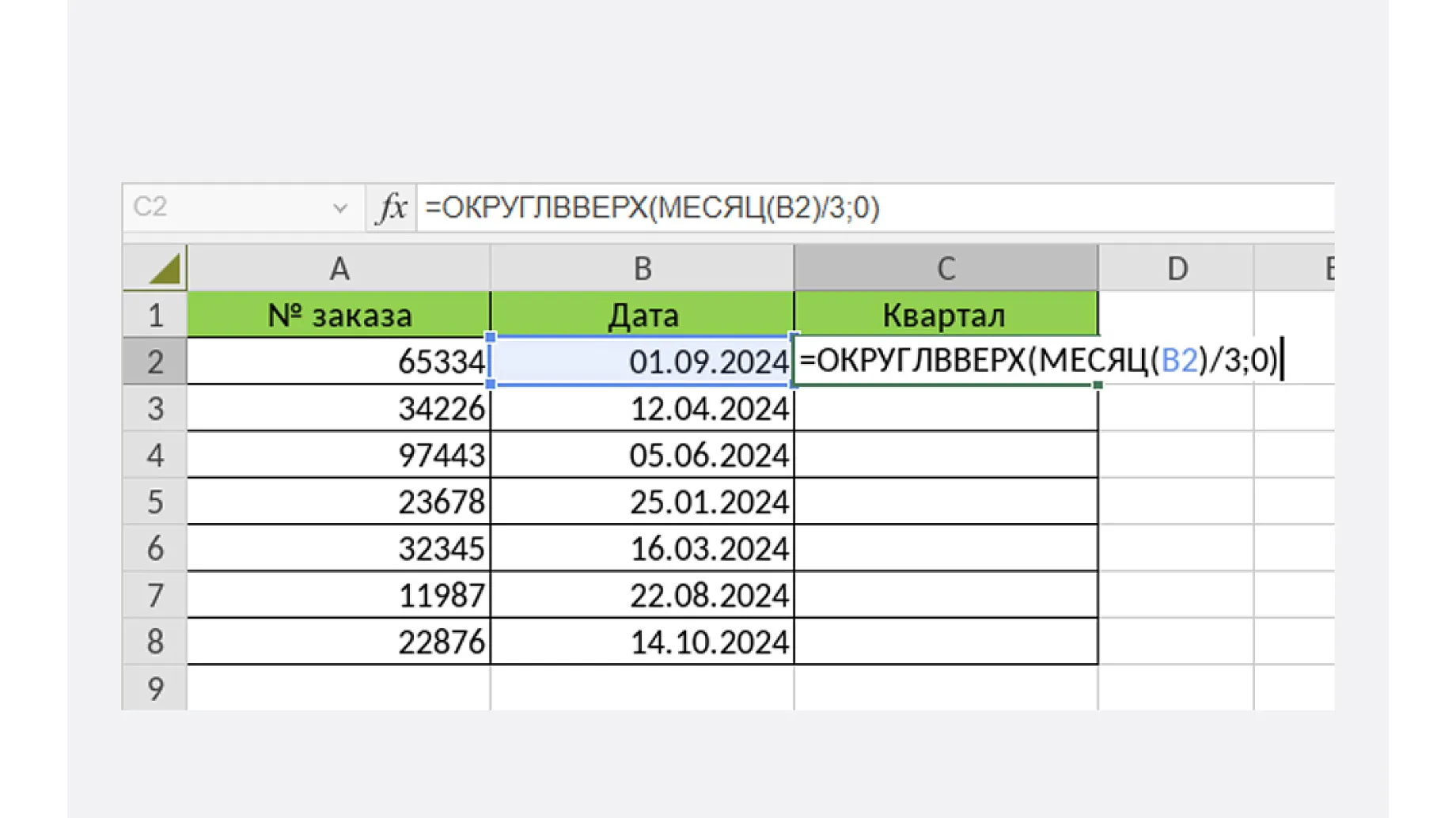
Another new feature is drilling down into pivot table details without the source data. Double-click the cell you need.
You can also now edit the name of a Smart Table in the right sidebar (the “Table Settings” section).
A Smart Table is a way of formatting ranges so that data from several adjacent cells is treated as a single structure. To create one, select the cells, then choose “Table” on the “Insert” menu. The table formatting appears, and you can work with the table as an object.
The table settings now include an editable “Table Name” field that shows the current name (for example, Table1). If no table is active, the field is hidden or unavailable. If you leave the field empty or enter a name that is not unique, you will see a notification.
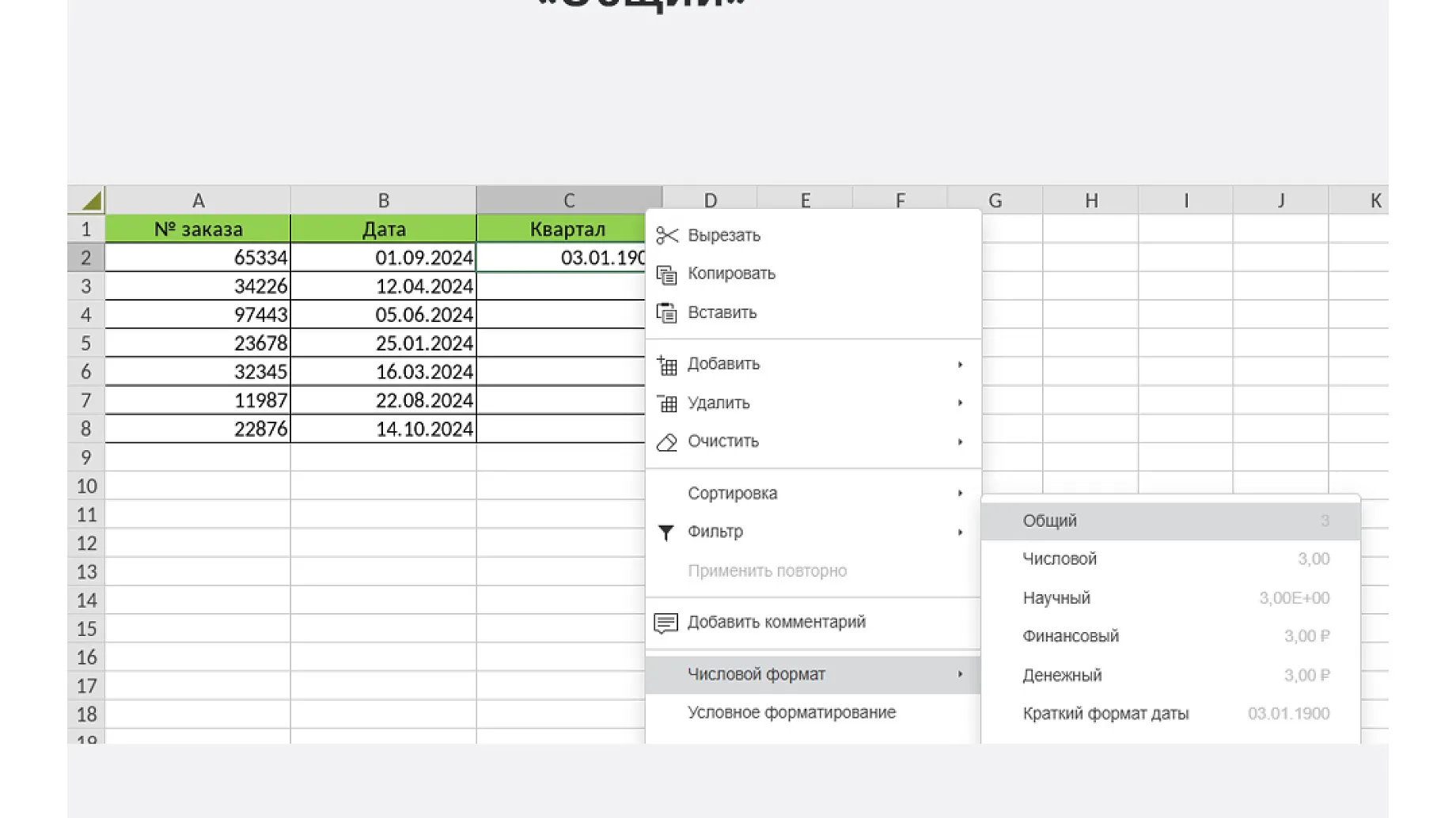
Among the general improvements, we updated the Russian-language help (DE-6842), including its screenshots and the information about autosave in the editor header (DE-3778).
Fixed XSS vulnerabilities in the “Horizontal Axis Labels” (DE-6317), “Edit Series” (DE-6318), and “Number Format” (DE-6319) dialogs.
Fixed several formulas and functions:
Fixed several errors that occurred when opening or importing .csv files:
Other bug fixes:
Added support for GIF animation when starting a slideshow. Animated elements both entertain (holding attention) and serve practical purposes (visualizing processes, as a lighter alternative to video).
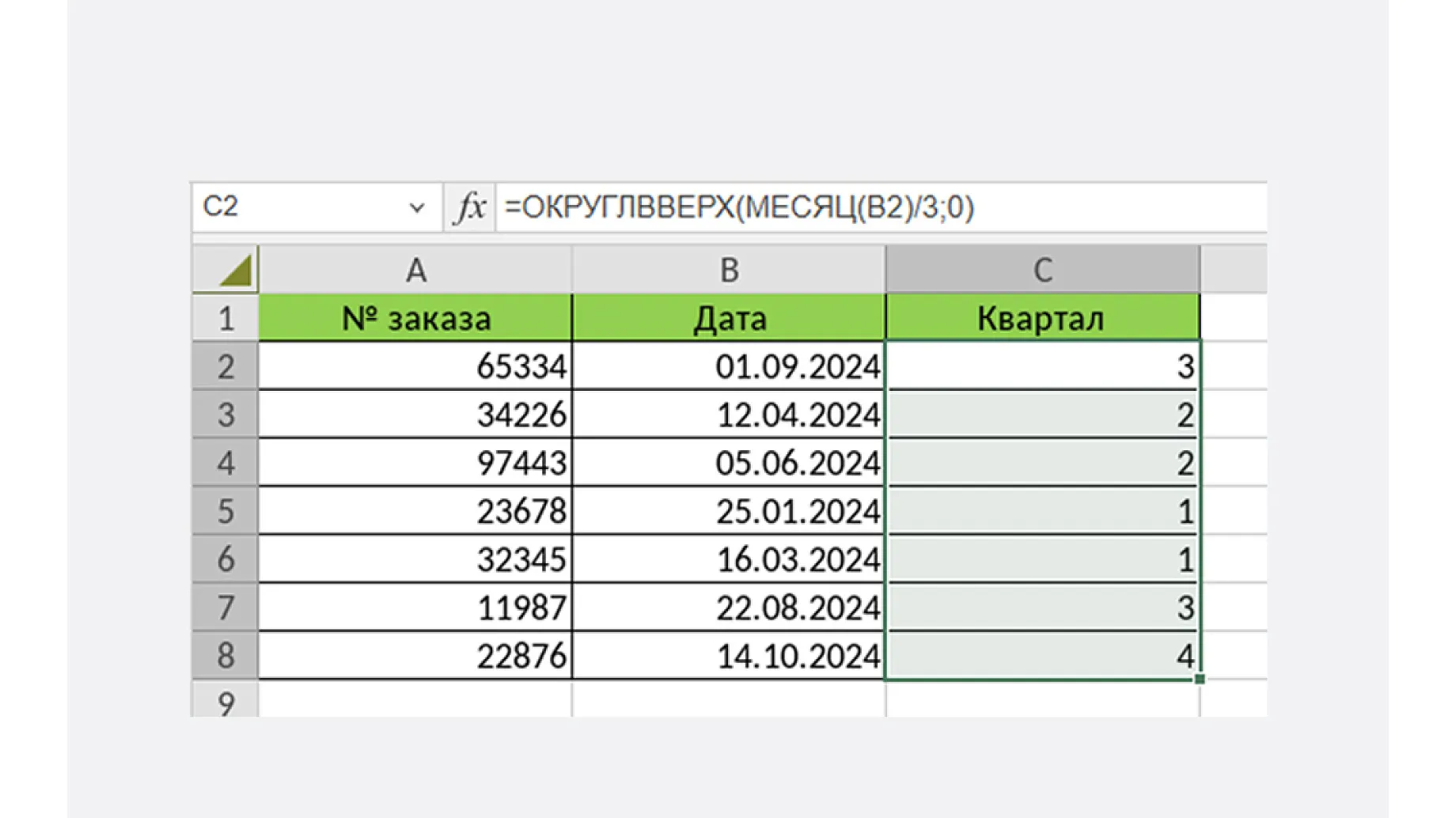
This build fixes the following bugs:
Also fixed an XSS vulnerability via the context menu in the Animation, Trigger section (DE-6320).
The Document Editor now correctly handles the $ character in hyperlinks (DE-6286). Fixed XSS vulnerabilities in the color scheme name (DE-6313), in the comment field editing window (DE-6314), via the style name in the context menu (DE-6321), and in the “Document changes are locked by another user” message that appeared when the document name contained ~$ (DE-6324).
The following bugs have also been fixed:
Three fixes affect the application as a whole:
We recommend updating the editors to version 2026.1.2.1942 for maximum performance and security.